
1 TB
$9/mo
Snapshots kept 10
Choose This PodPhluit FTP Pods give you 1 to 20 TB in Germany or Finland. Connect with SFTP, FTP, SMB, WebDAV, rsync or Borg, give every person their own folder, and keep snapshots on a schedule.
From $9/month
Monthly plans with unlimited traffic. You pick Germany or Finland when you order.
$9/mo
Snapshots kept 10
Choose This Pod$29/mo
Snapshots kept 20
Choose This Pod$56/mo
Snapshots kept 30
Choose This Pod$99/mo
Snapshots kept 40
Choose This PodStore backups, images, videos and archives, and ask us for a bigger size whenever you need one.
720 GB of 1 TB used
Your files and users stay as they are.
Back up computers, servers and websites with the tools you already use: SFTP, rsync, Borg or your backup plugin.
Plans from 1 TB to 20 TB, billed monthly, with unlimited traffic.
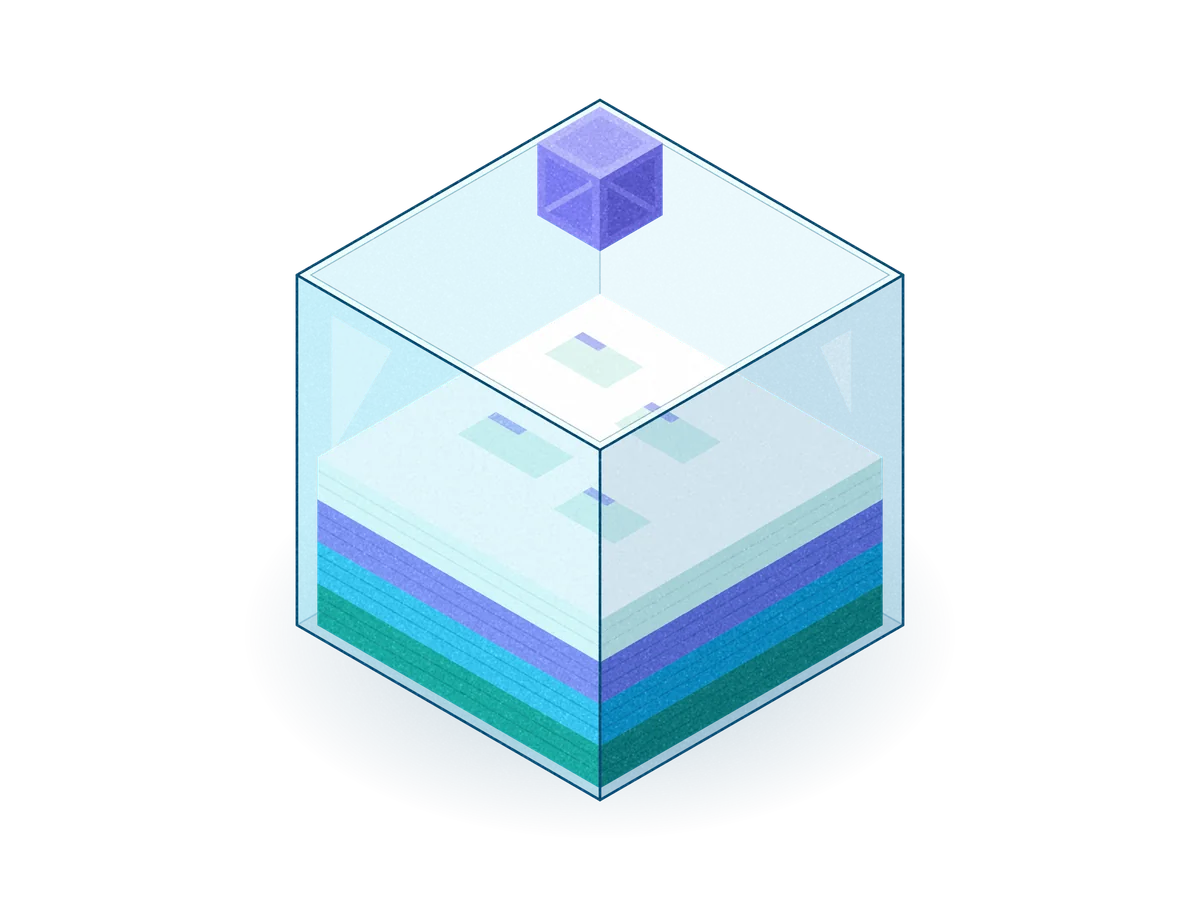
Reach your files with the protocol that suits each tool. Switch each extra protocol on or off yourself.
Windows SFTP with FileZilla, WinSCP or Cyberduck, SMB for a network drive, or WebDAV over HTTPS.
Mac SFTP with Cyberduck or FileZilla, SMB for a network drive, or WebDAV over HTTPS.
Linux SFTP or SCP, SMB for a network drive, WebDAV over HTTPS, rsync or Borg for server backups.
FTP program Choose SFTP in FileZilla, Cyberduck, WinSCP or another client. FTPS is encrypted too, plain FTP is not.
Backup software rsync or Borg for server backups. rclone and most backup tools use SFTP.
SFTPRecommended
The best all-rounder: encrypted and supported by FileZilla, Cyberduck, WinSCP and most backup tools.
port 22Always on
SMB
Mount your pod as a network drive.
port 445Switch on or off
WebDAV
Open it over HTTPS.
port 443Switch on or off
FTPS
FTP with TLS: encrypted.
port 21Always on
rsync
For server backups.
port 23Switch on or off
Borg
For server backups.
port 23Switch on or off
SCP
Copies files, with the same login.
port 22Always on
FTP
Works too, but it isn't encrypted.
port 21Always on
Restore points of your whole pod, on a schedule or by hand. Roll back when you need to.
40snapshots kept on 20 TB
Copy single files back from the read-only snapshot folder.
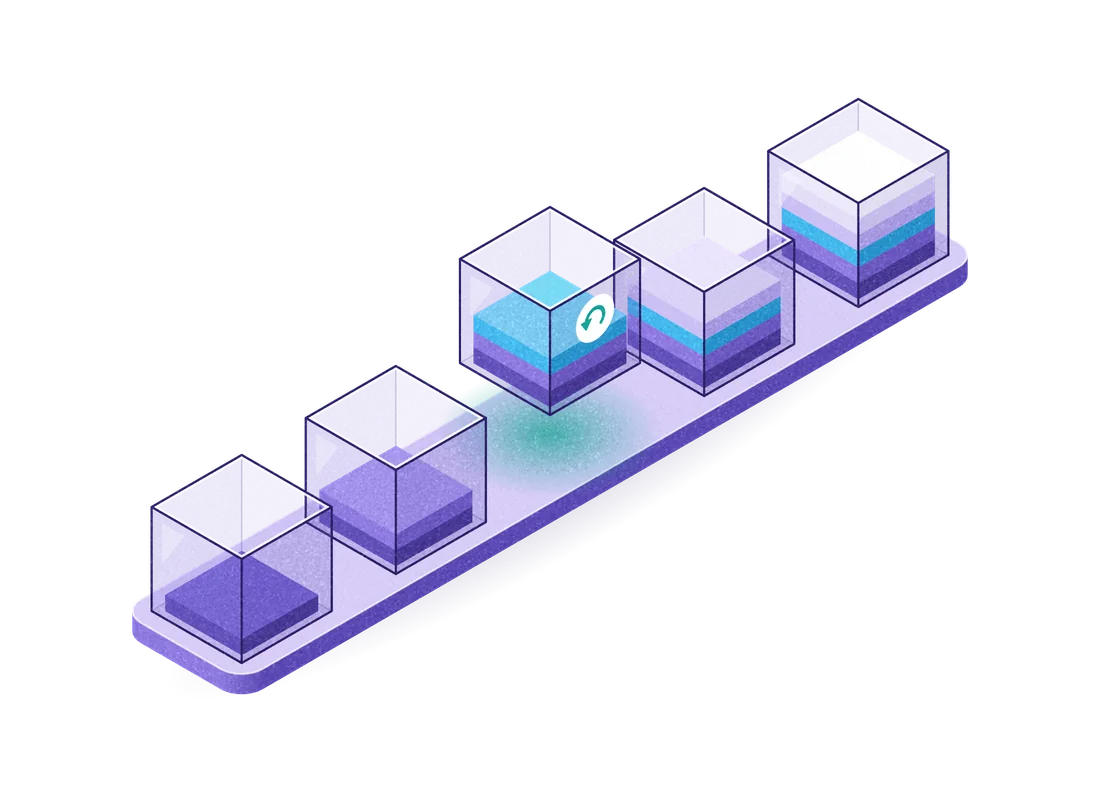
Now
ExampleThis is what the pod holds now. Slide back to see what it held before.
Give every client, employee or server its own user: own folder, own password, read-only if you want. They never see the rest of your pod.
Up to 100 usersRead-only if you want
Your pod lives in Germany (Falkenstein) or Finland (Helsinki), the location you choose when you order, with unlimited traffic.
EUGermany or Finland
Everything you need to know about Phluit FTP Pods.
Backups of your computers, servers and websites; sharing large files with clients; keeping archives off your own machines. Anything that can talk SFTP, FTP, SMB, WebDAV, rsync or Borg can use it.
SFTP is the best all-rounder: encrypted and supported by FileZilla, Cyberduck, WinSCP and most backup tools. Use SMB to mount it as a drive, WebDAV to reach it over HTTPS, and rsync or Borg for server backups. Plain FTP works too, but it isn't encrypted.
Yes. Create up to 100 users from your dashboard, each with its own folder and password, read-only if you want. They never see the rest of your FTP Pod.
A snapshot is a restore point of your whole FTP Pod. Take one by hand before a big change, or turn on a schedule that keeps the most recent ones (10 to 40 depending on the size). Roll back when you need to, or copy single files back from the snapshot folder. Snapshots use space in your pod.
In Germany (Falkenstein) or Finland (Helsinki), whichever you choose when you order. Your files stay in that location.
No. Every FTP Pod includes unlimited traffic.
Yes. Open a ticket and we move your FTP Pod to the size you need. Your files and users stay as they are.
Your FTP Pod is locked straight away and deleted 14 days later. Contact us within those 14 days if you need your files back.
Questions about storage, backups or moving your files? Our team helps you get set up.